

Best AI Chatbots for Android in 2026: Top 10 Compared
Artificial intelligence has become an essential part of everyday life, and Android users now have access to some of the most powerful AI assistants ever created. Whether you need help writing emails, solving math problems, researching information, generating images, learning a new skill, or simply having a natural conversation, today’s AI chatbots can do much more than answer basic questions. The best AI chatbots for Android are smarter, faster, and more capable than ever before.
However, choosing the right chatbot can be confusing. Some AI assistants focus on writing and creativity, while others excel at research, coding, or productivity. In addition, many offer free plans, but the available features can vary significantly.
This guide compares the 10 best AI chatbots for Android in 2026 based on their features, ease of use, performance, and overall value. Whether you are a student, professional, developer, or casual user, you will find an AI chatbot that matches your needs.
What You Will Learn in This Guide
What makes a great chatbot
10 best chatbots compared
Full comparison table
Tips for better AI answers
Which chatbot is right for you
FAQ and conclusion
Why Use the Best AI Chatbots for Android?
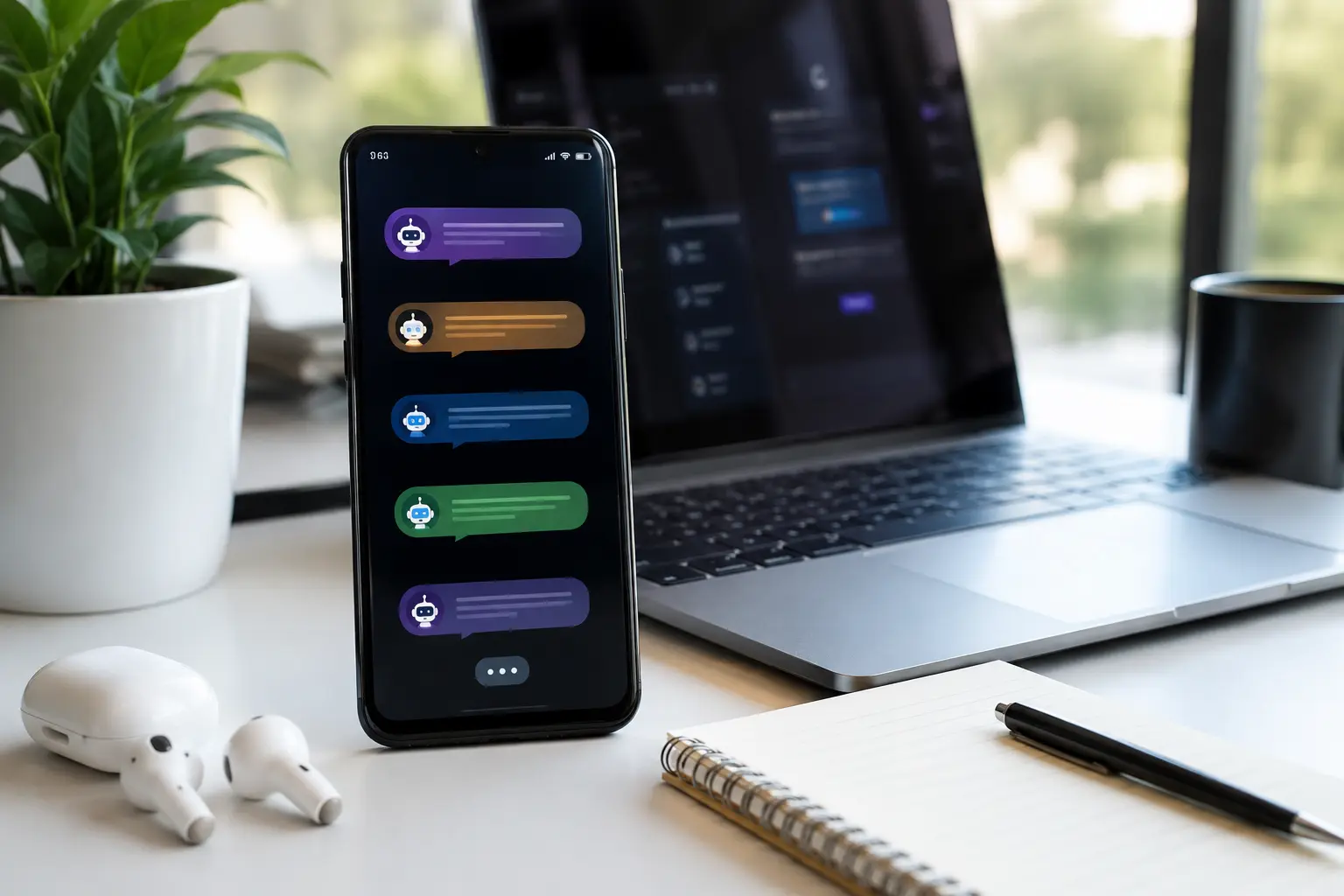
AI chatbots are no longer just tools for answering simple questions. They have evolved into intelligent assistants that can help with work, education, creativity, and daily tasks.
Here are some of the biggest advantages of using an AI chatbot on your Android device.
Because Android smartphones are always with you, an AI chatbot can provide assistance whenever you need it.
How to Choose the Best AI Chatbots for Android
Before comparing the top AI chatbots, it is helpful to understand what makes one better than another.
A good chatbot should provide reliable and relevant answers while minimizing incorrect information.
Fast responses improve the overall user experience, especially when asking multiple questions.
The best AI assistants understand context and remember previous parts of a conversation, making interactions feel more human.
Many Android users prefer speaking instead of typing. Voice conversations are becoming one of the most useful AI features.
Several AI chatbots can analyze uploaded photos, screenshots, and documents to answer questions or explain what they see.
Although premium subscriptions offer additional capabilities, a generous free plan is important for most users.
10 Best AI Chatbots for Android in 2026
1. ChatGPT
ChatGPT remains one of the most popular AI chatbots available for Android. Developed by OpenAI, it is known for producing natural conversations, detailed explanations, and creative responses.
One of ChatGPT’s biggest strengths is its versatility. It can help with writing, studying, coding, brainstorming, summarizing documents, creating travel itineraries, and much more. The Android app offers a clean interface, making it easy for beginners to start chatting immediately.
Another advantage is its ability to understand follow-up questions. Instead of repeating your request, you can continue the conversation naturally, and the AI remembers the context.
Students often use ChatGPT to understand complex topics, while professionals rely on it for drafting emails, preparing reports, and generating ideas. Developers also appreciate its ability to explain code and troubleshoot programming problems.
- Everyday AI assistance
- Writing
- Coding
- Learning
- Productivity
- Creative projects
- Some advanced features require a paid subscription.
- Free usage limits may apply during busy periods.
Try it here: ChatGPT on Google Play
2. Google Gemini
Google Gemini is designed to work seamlessly with Android devices and Google’s ecosystem. If you already use Google Search, Gmail, Google Docs, or Google Drive, Gemini feels like a natural extension of those services.
One of its standout features is Gemini Live, which allows users to have natural voice conversations. This makes it useful for brainstorming ideas, practicing languages, or getting hands-free assistance while multitasking.
Gemini also performs well when answering factual questions, summarizing documents, and generating content. Since it integrates with Google services, many Android users find it especially convenient.
- Android users
- Google Workspace
- Voice conversations
- Productivity
- Everyday questions
- Some advanced features require a Google account.
- Premium tools are available through paid plans.
Try it here: Google Gemini on Google Play
3. Claude AI
Claude AI is widely recognized for producing thoughtful, detailed, and natural responses. It performs particularly well with writing tasks and long documents.
Students often use Claude to summarize research papers, while professionals rely on it for editing reports, improving emails, and generating business content.
Unlike many chatbots, Claude handles lengthy conversations well, making it a strong choice for users working on complex projects. Its calm and conversational writing style also makes explanations easy to understand.
- Writing
- Research
- Long documents
- Business communication
- Learning
- Some features may not be available in every region.
- Daily usage limits may apply to free users.
Try it here: Claude AI on Google Play
4. Microsoft Copilot
Microsoft Copilot combines AI with productivity tools, making it an excellent assistant for work and education.
The Android app can help write emails, summarize documents, answer questions, generate images, and assist with planning tasks. Users who frequently work with Microsoft Office products may find Copilot especially useful.
Another benefit is its clean interface, which makes switching between different AI capabilities simple. For professionals, Copilot offers a practical way to improve efficiency without constantly moving between multiple applications.
- Office work
- Productivity
- Email writing
- Document summaries
- Image generation
- Some premium features require a subscription.
- Best experience comes with Microsoft services.
Try it here: Microsoft Copilot on Google Play
5. Perplexity AI
Perplexity AI has become one of the best AI chatbots for research. Instead of simply answering questions, it usually includes sources that help users verify information.
This feature is especially valuable for students, researchers, journalists, and professionals who need reliable references. The Android app provides a clean search experience where users can ask follow-up questions without starting a new search each time.
In addition, Perplexity AI does an excellent job of summarizing information from multiple sources into clear and easy-to-read answers.
- Research
- Students
- Fact checking
- Academic work
- Current information
- Some advanced research features require a paid plan.
- Creative writing is not its primary strength.
Try it here: Perplexity AI on Google Play
6. Grok AI
Grok AI has quickly become one of the most interesting AI chatbots available for Android users. It is designed to provide fast responses, real-time information, and a conversational experience that feels natural and engaging.
One of Grok’s biggest strengths is its ability to discuss current events and trending topics. This makes it useful for users who want the latest information rather than only general knowledge.
In addition, Grok often responds with a more relaxed and humorous tone compared to many traditional AI assistants. Some users enjoy this conversational style because it feels less formal.
- Current news
- Trending topics
- Casual conversations
- Technology enthusiasts
- Everyday questions
- Some premium features require a subscription.
- Writing quality may not always match specialized AI assistants.
Try it here: Grok AI on Google Play
7. DeepSeek
DeepSeek has gained attention for its impressive reasoning abilities, particularly in programming, mathematics, and technical subjects.
Developers appreciate its ability to explain complex code, suggest improvements, and troubleshoot programming errors. Meanwhile, students often use DeepSeek to understand mathematical concepts and scientific problems.
Another advantage is its strong performance on logical reasoning tasks, making it useful for solving structured problems step by step.
- Programming
- Mathematics
- Engineering
- Logical reasoning
- Technical learning
- Less focused on creative writing.
- Advanced features may vary over time.
Try it here: DeepSeek on Google Play
8. Poe
Poe is different from most AI chatbots because it allows users to access multiple AI models from one application.
Instead of installing separate apps, you can switch between different assistants depending on the task. This flexibility makes Poe attractive to users who like comparing responses from different AI models.
For example, one chatbot may perform better for creative writing, while another excels at research or coding. Because everything is available in one place, Poe saves time and provides a convenient way to explore different AI technologies.
- Comparing AI models
- Students
- AI enthusiasts
- Productivity
- Experimenting with different assistants
- Free usage limits apply.
- Some models require a subscription.
Try it here: Poe on Google Play
9. Pi AI
Pi AI focuses on friendly, supportive conversations rather than technical tasks.
Instead of acting only as a productivity tool, Pi aims to be a personal AI companion that listens, asks thoughtful questions, and responds with empathy.
Many users enjoy talking to Pi because the conversations feel natural and relaxed. It is also useful for brainstorming ideas, practicing languages, or discussing everyday topics.
- Daily conversations
- Personal assistance
- Language practice
- Brainstorming
- Emotional support
- Limited technical capabilities.
- Not designed for advanced programming tasks.
Try it here: Pi AI on Google Play
10. Meta AI
Meta AI is becoming increasingly popular because it is integrated into apps that millions of people already use, including WhatsApp, Facebook, Instagram, and Messenger.
Instead of downloading another standalone assistant, users can access AI features directly within familiar social platforms.
Meta AI can answer questions, generate ideas, help plan trips, write messages, and create AI-generated images. For users who spend a lot of time on Meta’s apps, this seamless integration provides a convenient way to use AI throughout the day.
- Social media users
- Everyday assistance
- Messaging
- Image generation
- General questions
- Some features depend on your region.
- Advanced capabilities continue to expand.
Try it here: Meta AI (via WhatsApp/Messenger) on Google Play
The Best AI Chatbots for Android offer different strengths depending on your needs.
Comparison Table
| AI Chatbot | Free Plan | Best For | Voice Chat | Image Understanding | Android App |
|---|---|---|---|---|---|
| ChatGPT | Yes | Overall AI assistant | Yes | Yes | ✅ |
| Google Gemini | Yes | Android integration | Yes | Yes | ✅ |
| Claude AI | Yes | Writing and documents | Limited | Yes | ✅ |
| Microsoft Copilot | Yes | Productivity | Yes | Yes | ✅ |
| Perplexity AI | Yes | Research | Yes | Limited | ✅ |
| Grok AI | Yes | Current information | Yes | Limited | ✅ |
| DeepSeek | Yes | Coding and mathematics | Limited | Limited | ✅ |
| Poe | Yes | Multiple AI models | Yes | Depends | ✅ |
| Pi AI | Yes | Friendly conversations | Yes | No | ✅ |
| Meta AI | Yes | Social media | Yes | Yes | ✅ |
Which of the Best AI Chatbots for Android Should You Choose?
Choosing the best AI chatbots for Andriod depends on how you plan to use it.
ChatGPT offers the best balance of writing, learning, creativity, coding, and productivity.
Google Gemini integrates naturally with Android devices and Google services.
Claude AI produces clear, detailed, and natural writing.
Perplexity AI provides reliable answers with supporting sources.
DeepSeek performs exceptionally well with programming and technical questions.
Microsoft Copilot works well with Microsoft Office and business tasks.
Meta AI is ideal for people who frequently use WhatsApp, Facebook, and Instagram.
Tips for Getting Better AI Answers
Even the smartest AI chatbot performs better when you ask clear questions.
Here are some useful tips.
Choosing among the Best AI Chatbots for Android becomes easier once you understand your daily workflow.
Frequently Asked Questions
Conclusion
The Best AI Chatbots for Android have become essential tools for students, professionals, developers, and everyday Android users. Whether you need help writing documents, researching information, generating ideas, solving coding problems, or simply having a natural conversation, there is an AI assistant designed for your needs.
If you want the most balanced experience, ChatGPT remains an excellent choice. Google Gemini is ideal for Android users who rely on Google services, while Claude AI stands out for writing and document analysis. Meanwhile, Perplexity AI is perfect for research, DeepSeek excels at coding, and Microsoft Copilot helps improve workplace productivity.
As AI technology continues to evolve, these chatbots will become even more capable and easier to use. Exploring a few different options is the best way to discover which assistant fits your workflow. By choosing the right AI chatbot, you can save time, boost productivity, and make your Android device even more useful.
More Guides from Qubee Online+
If you’re looking for the Best AI Chatbots for Android, start by trying two or three apps from this list and see which one fits your workflow best.
Download Your Favorite AI Chatbot Today
All of these AI chatbots are available for free on the Google Play Store. Download one today and start getting smarter assistance on your Android phone.