

Complete Guide to Using the ChatGPT Mobile App in 2026
Learning to use ChatGPT on your Android phone or iPhone is easier than ever. Whether you want help with writing, studying, coding, translations, or everyday questions, ChatGPT makes it possible directly from your phone. This beginner-friendly guide from Qubee Online+ shows you step by step how to get started, even if you’ve never used AI before.
Along the way, you will also learn useful tips, common mistakes to avoid, and ways to get much better answers from the app.
📋 What You Will Learn in This Guide
- What ChatGPT is and how it works
- How to download and install the app (Android & iPhone)
- How to create a free account
- How to ask better questions and get better answers
- How to use voice mode and image uploads
- Best uses for students, creators, and professionals
- Common beginner mistakes to avoid
- Free vs Paid — which plan do you actually need?
What Is ChatGPT?
ChatGPT is an AI chatbot created by OpenAI. It can understand questions written in normal, everyday language and respond in a clear, conversational way — just like texting a very knowledgeable friend.
Unlike a normal search engine that shows you a list of website links, ChatGPT answers your question directly. It understands context, remembers what you said earlier in the conversation, and can help you refine or improve any response.
Here are just some of the things you can ask ChatGPT to do:
- ✍️ Write emails, captions, and articles
- 📚 Explain difficult topics in simple language
- 🌍 Translate text between languages
- 🧮 Solve math problems step by step
- 💡 Generate content ideas and outlines
- 💻 Help with coding and debugging
- 📄 Summarize articles, PDFs, and documents
- 📝 Create study notes and flashcards
- 🍳 Suggest recipes and plan meals
- ✈️ Help plan trips and itineraries
📊 ChatGPT in 2026 — Key Facts
- 800 million people use ChatGPT every single week as of late 2025
- It is the fastest-adopted software product in recorded history
- The current model, GPT-5, can reason, browse the web, generate images, and hold voice conversations
- Available on Android, iPhone, and web — all with a free plan
Why Use ChatGPT on Your Phone?
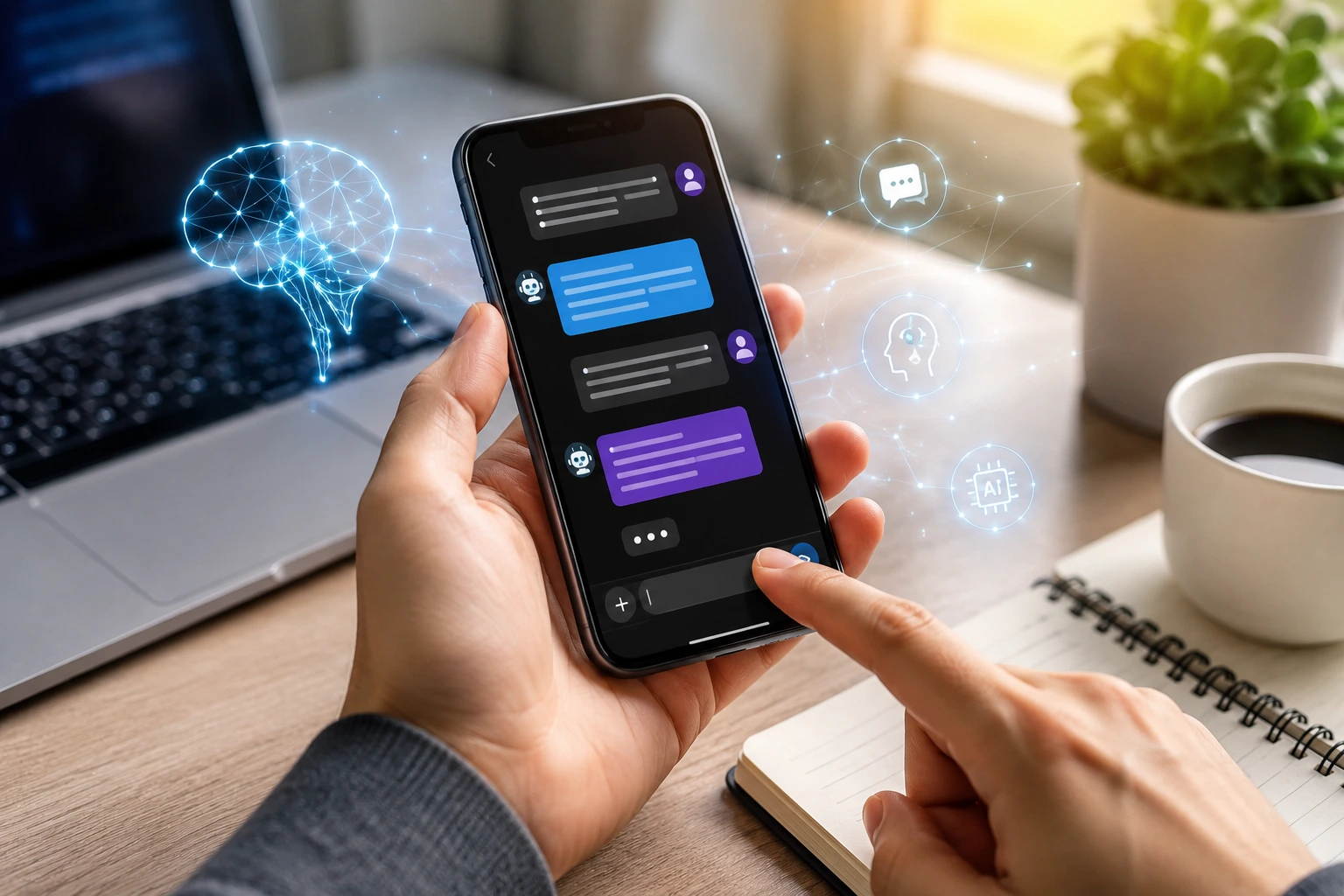
Using ChatGPT on a mobile phone is incredibly convenient. Instead of opening a laptop every time you need help, you simply open the app and ask your question within seconds — from anywhere.
The mobile version includes features designed specifically for smartphones:
- ⚡ Instant access anytime — no laptop required
- 🎙️ Voice conversations — speak to the AI hands-free
- 🖼️ Image uploads — take a photo and ask about it
- 📱 Notifications and quick replies — stay productive on the go
- 🌙 Works offline-ready — start conversations even on slow connections
For students, bloggers, entrepreneurs, and everyday users, the mobile app makes ChatGPT a practical daily tool rather than something you only use at a desk.
Download the ChatGPT App on Android and iPhone
Getting the app installed takes only a few minutes. Follow the steps below for your device.
🤖 For Android Users
- Open the Google Play Store on your phone
- Search for “ChatGPT”
- Look for the official app — developer listed as OpenAI
- Tap Install
- Open the app after installation completes
🍎 For iPhone Users
- Open the App Store on your iPhone
- Search for “ChatGPT”
- Download the official app from OpenAI
- Tap Get to install
- Open and launch the app
⚠️ Watch Out for Fake Apps
Many copycat AI apps exist on both Google Play and the App Store. Always verify that the developer is OpenAI before installing. Fake apps often contain excessive ads, collect your data, and provide poor-quality AI responses. When in doubt, use the direct download links above.
Setting Up Your ChatGPT Account
Once the app is installed, you need a free account to get started. The process takes under two minutes.
🔑 Account Setup Steps
- Open the ChatGPT app
- Tap “Sign Up”
- Choose to sign up with your Email, Google account, or Apple ID
- Verify your email if prompted
- Enter your name and date of birth
- Start chatting immediately — no payment required
After signing in, you will land on the main chat screen. You will see a text box at the bottom and a clean, simple interface. This is where all the magic happens.
How to Ask Questions in ChatGPT
Using ChatGPT is as simple as sending a text message. Tap the text box at the bottom of the screen, type your question, and press the send button. Within seconds, you get a response.
Here are some example questions you can try right now:
💬 Try These Example Prompts
Because ChatGPT understands natural language, you do not need any special commands or technical knowledge. Just write the way you normally speak or type.
Tips to Get Better Answers
Many beginners think ChatGPT is magic. However, the quality of your answer depends directly on the quality of your question. Learning to write better prompts is the single most important skill for getting more out of the app.
✅ Tip 1 — Be Specific
Short, vague questions usually produce generic, unhelpful answers. The more detail you give, the better the response.
✅ Tip 2 — Add Context
Tell ChatGPT who you are, what you need, and who it is for. Context transforms a generic response into something genuinely useful.
✅ Tip 3 — Ask for Changes
If the first answer is not exactly what you wanted, do not start over. Simply continue the conversation. ChatGPT remembers what it wrote and can refine it.
You can say: “Make it shorter” — “Use simpler English” — “Add more examples” — “Rewrite this for a younger audience” — “Make it sound more professional”
✅ Tip 4 — Give It a Role
You can instruct ChatGPT to act as a specific expert. This changes the style and depth of its response significantly.
Using Voice Mode in the ChatGPT App
One of the best features of the mobile app is Advanced Voice Mode. Instead of typing, you can speak directly to ChatGPT and it speaks back to you in a natural, human-like voice.
This is especially useful when you are walking, driving, cooking, or simply do not want to type. The system handles interruptions, detects your tone, and responds naturally.
🎙️ How to Use Voice Mode
- Open the ChatGPT app
- Tap the microphone or headphone icon at the bottom of the screen
- Speak your question clearly
- Wait for ChatGPT to respond — it will speak back to you
- Continue the conversation naturally, just like a phone call
Uploading Images to ChatGPT
Modern versions of ChatGPT support image uploads directly from your phone. This means you can take a photo of something and ask ChatGPT to analyze, explain, or help you with it.
You can upload:
- 📸 Homework questions or test papers
- 📊 Charts, graphs, or diagrams you need explained
- 🐛 Screenshots of code errors
- 📋 Handwritten notes you want typed up
- 🔢 Math problems written on paper
- 🌿 Photos of plants, food, or objects you want identified
💬 Image Prompt Examples
What Can You Use ChatGPT for on Your Phone?
The possibilities are almost endless. Here are the most popular use cases among different types of mobile users.
🎓 For Students
- Understand difficult topics
- Summarize lessons and textbooks
- Practice foreign languages
- Generate study notes
- Solve practice questions
✍️ For Content Creators
- Generate article and video ideas
- Write scripts and outlines
- Create captions and hashtags
- Build SEO content outlines
- Repurpose existing content
💼 For Professionals
- Draft professional emails
- Create reports and summaries
- Brainstorm strategies
- Automate repetitive writing
- Prepare for meetings
🏠 For Everyday Use
- Find recipes and meal ideas
- Plan travel itineraries
- Get fitness and health tips
- Learn new skills quickly
- Answer general questions
Is ChatGPT Free? Free vs Paid Plans Explained
Yes — ChatGPT has a genuinely useful free plan. For most beginners and everyday users, the free version is more than enough to get started and stay productive.
| Feature | Free Plan | ChatGPT Plus (Paid) |
|---|---|---|
| Price | Free | ~$20/month |
| AI Model Access | GPT-4o (with limits) | GPT-5, priority access |
| Response Speed | Standard | Faster, priority during busy times |
| Voice Mode | ✓ Basic | ✓ Advanced |
| Image Uploads | ✓ Yes | ✓ Yes |
| Image Generation | Limited | ✓ Full Access |
| Deep Research Mode | ✗ Not included | ✓ Included |
💡 Our Recommendation
Start with the free plan. For most students, bloggers, and everyday users, the free version covers everything you need. Upgrade to Plus only if you hit message limits regularly or need access to the most advanced AI models and features.
Common Mistakes Beginners Should Avoid
Although ChatGPT is very easy to use, new users often make a few avoidable mistakes. Here is what to watch out for:
ChatGPT vs Google Search — What’s the Difference?
Many people ask whether ChatGPT replaces Google. The short answer is: they are different tools that do different things, and many users now use both together.
| Feature | Google Search | ChatGPT |
|---|---|---|
| How it answers | Shows website links | Explains directly in conversation |
| Best for | Finding specific websites, local results, breaking news | Writing, explaining, brainstorming, creating |
| Real-time info | ✓ Yes, always | ✓ Yes (Plus plan) |
| Conversational follow-up | ✗ No | ✓ Yes |
| Writing & creating | ✗ No | ✓ Yes |
The smartest approach in 2026 is to use Google for finding specific sources, local information, and breaking news, and ChatGPT for explaining, writing, creating, and learning. Together they are far more powerful than either one alone.
📖 Also Read on Qubee Online+
Wondering how ChatGPT compares to other AI tools? Read our full guide: What Is Claude AI?Complete Guide to Anthropic’s AI (2026) — and see which AI assistant works best for your needs.
How ChatGPT Can Improve Your Daily Productivity
One of the biggest reasons behind ChatGPT’s 800 million weekly users is simple: it saves enormous amounts of time. Tasks that previously took hours can now be done in minutes.
⏱️ Real Time Savings with ChatGPT
| Task | Manual Time | With ChatGPT |
|---|---|---|
| Writing a professional email | 30 min | → 30 seconds |
| Summarizing a long article | 20 min | → 10 seconds |
| Creating a study outline | 45 min | → 1 minute |
| Brainstorming 10 blog ideas | 60 min | → 15 seconds |
Frequently Asked Questions
🔗 Useful External Resources
Final Thoughts
Learning to use ChatGPT on your phone is one of the most valuable digital skills you can develop in 2026. Whether you are a student, a content creator, a professional, or simply someone who wants to be more productive — ChatGPT meets you exactly where you are.
You do not need any technical knowledge to get started. With just a few taps, you can access an AI assistant capable of writing, explaining, translating, creating, and problem-solving on your behalf — right from your pocket.
Remember the golden rule: better questions lead to better answers. The clearer and more detailed your prompts, the more powerful and useful ChatGPT becomes.
If you have never tried it before — now is the perfect time. It is free, it is fast, and it is genuinely remarkable. Start today. 🚀
📌 Get Started with ChatGPT Right Now — It’s Free
Download the official ChatGPT app from OpenAI. Create your free account in under 2 minutes and start chatting immediately — no payment required.